
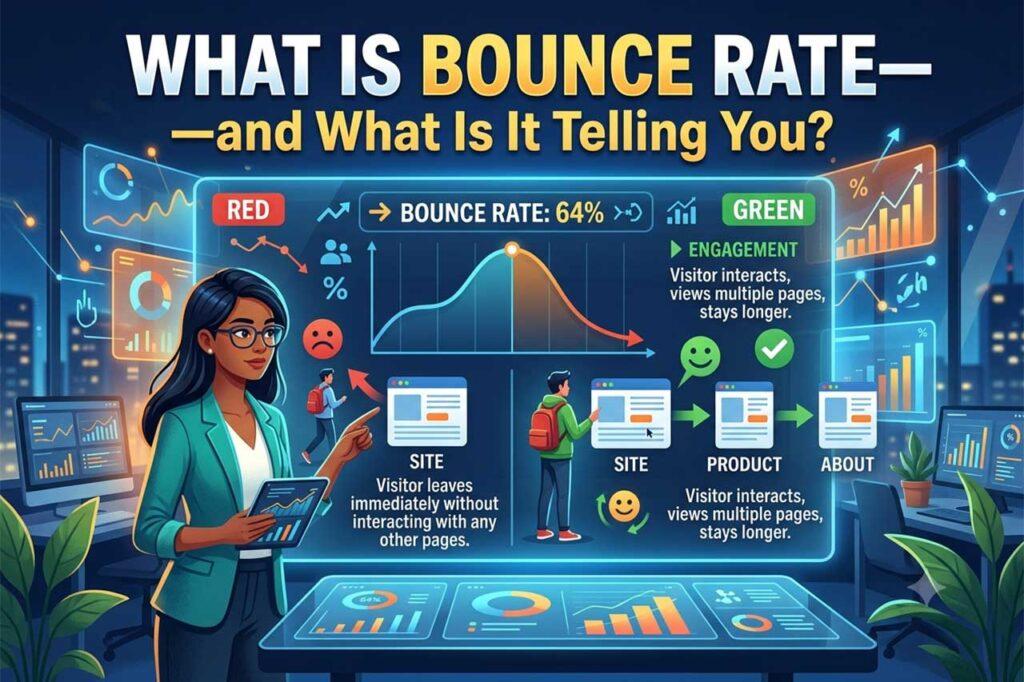
Your bounce rate is one of the most misunderstood metrics in web analytics. A high number makes site owners panic; a low one gets celebrated—yet neither reaction is always justified. This guide breaks down what bounce rate actually means in 2026 (especially in Google Analytics 4), what a “good” bounce rate looks like for your type of site, and the practical steps you can take to move that number in the right direction.
Key Takeaways
- Bounce rate in GA4 is the inverse of engagement rate—it measures sessions where users did NOT engage, not just single-page visits.
- A high bounce percentage is not automatically bad. Context—industry, page type, and traffic source—determines whether your number is a problem.
- The most common causes of high session exit rates are slow page load times, poor mobile experience, and a mismatch between ad/search intent and page content.
- Reducing this metric requires fixing technical issues first, then improving content quality and internal linking.
- Bounce rate alone is not a confirmed Google ranking factor, but the user behavior it reflects absolutely influences your SEO performance.
What Does Bounce Rate Actually Mean in Google Analytics 4?
Bounce rate in Google Analytics 4 (GA4) is the percentage of sessions in which a user did not have an engaged session. According to Google, an engaged session is one that lasts longer than 10 seconds, includes a conversion event, or contains at least two pageviews or screen views.
This is a significant shift from Universal Analytics (UA), where the bounce metric was simply the percentage of single-page sessions—meaning a user visited one page and left without triggering any additional requests. Under UA, a user could spend five minutes reading a blog post and still be counted as a “bounce.”
| Metric | Universal Analytics | Google Analytics 4 |
|---|---|---|
| Bounce rate definition | % of single-page sessions | % of non-engaged sessions |
| Engagement considered? | No | Yes (time, events, pages) |
| Companion metric | N/A | Engagement rate |
| Default engagement threshold | N/A | 10 seconds on page |
GA4’s approach is more forgiving and more accurate. A long-form article that holds a reader’s attention for two minutes will no longer skew your bounce rate negatively, even if that reader leaves without clicking elsewhere.
What Is a Good Bounce Rate for My Website?
A “good” bounce rate depends entirely on your industry, page type, and traffic source. There is no universal benchmark that applies to every site.
As a general reference point:
- 26–40% is considered excellent
- 41–55% is roughly average
- 56–70% is higher than average but may be acceptable for certain page types
- 70%+ warrants investigation, especially for landing pages or product pages
Certain pages are expected to have high bounce rates by design. A contact page, a “thank you” page after a form submission, or a blog post that fully answers a search query may see a 70–80% bounce rate without issue. The metric becomes meaningful when it is measured against your specific goals and compared over time—not against an abstract industry average.
What Are the Most Common Causes of a High Bounce Rate?
A high bounce percentage is a symptom, not a diagnosis. Identifying the root cause determines the fix.
Slow page load speed
Users abandon pages that take too long to load. Google’s research has shown that the probability of a user bouncing increases significantly as page load time rises from one to five seconds. Use Google PageSpeed Insights to identify speed bottlenecks before drawing any conclusions from your bounce data.
Poor mobile experience
More than half of global web traffic comes from mobile devices. A page that renders poorly on a smartphone—small text, broken layouts, slow images—will drive users away immediately, regardless of how strong the content is.
Mismatched search intent
If a user clicks a search result expecting a product page and lands on a generic category page, they will leave. The content of your page needs to match the expectations set by the keyword that brought the visitor there. This is one of the most common and most fixable causes of high bounce rates for SEO-driven traffic. For a deeper look at how search intent connects to your broader ranking performance, see our guide on how long SEO really takes to show results.
Weak or unclear calls to action
If a visitor reads your content and doesn’t see a clear next step, they leave. A strong internal linking structure and visible CTAs give users a reason to continue exploring your site.
Low-quality or irrelevant traffic
High bounce percentages from paid campaigns often indicate targeting issues, not content issues. Audit your traffic sources and segment this metric by channel in GA4 before making content changes.
Does Bounce Rate Affect SEO Rankings?
Google has not officially confirmed bounce rate as a direct ranking signal. However, the behaviors that produce a high bounce rate—users leaving quickly, not engaging, returning to the search results page—do correlate with poor rankings over time.
RankBrain and other machine learning components of Google’s algorithm interpret user satisfaction signals. A page that consistently fails to hold attention is unlikely to maintain a strong position in competitive search results. Improving bounce rate and improving SEO are, practically speaking, the same goal: make the page more useful for the person who lands on it.
How to Reduce Bounce Rate: 6 Actionable Steps
- Fix technical performance first. Use Core Web Vitals data in Google Search Console and PageSpeed Insights to identify pages with poor LCP (Largest Contentful Paint) or high CLS (Cumulative Layout Shift).
- Audit your top-traffic pages by channel. Segment bounce rate by source/medium in GA4. A page with a 75% bounce rate from organic search is a different problem than the same rate from a display ad campaign.
- Align content with search intent. Review the keywords driving traffic to high-bounce pages. If the content doesn’t match what searchers expect, rewrite the introduction or restructure the page to address the intent immediately.
- Improve internal linking. Place relevant internal links early in the body of your content—not just at the bottom. This gives engaged readers a logical path to continue. Strong content flow also helps; this guide on improving content writing covers techniques that support readability and engagement.
- Optimize for mobile. Test every high-traffic page on mobile using Google’s Mobile-Friendly Test tool. Prioritize font size, button spacing, and image compression.
- Set up GA4 engagement events. Configure scroll depth tracking, video plays, and form interactions as events in GA4. This gives you a clearer picture of whether “bouncing” users are actually engaging before they leave—and it improves the accuracy of your bounce rate metric itself.
When Should You Stop Worrying About Bounce Rate?
Bounce rate deserves attention when it is significantly higher than your historical baseline, or when it is high on pages designed to convert—product pages, landing pages, or service pages. For informational content, a moderate-to-high bounce rate paired with a strong average engagement time often signals success, not failure.
The most productive way to interpret bounce rate is alongside other metrics: average engagement time, pages per session, conversion rate, and scroll depth. No single metric tells the full story. For expert guidance on integrating these signals into a cohesive SEO strategy, explore the Los Angeles SEO Inc. blog for regularly updated resources.
Stop Guessing—Start Diagnosing
Bounce rate is a directional signal. Chasing a specific number misses the point. The goal is to understand why users leave, fix the most impactful issues first, and track improvement over time against your own baseline.
If your site’s analytics indicate something is wrong but you’re not sure where to start, Los Angeles SEO Inc. offers comprehensive technical and on-page audits that translate data into action. Contact our team to get a clear picture of what your metrics are really saying.
Frequently Asked Questions
What is the difference between bounce rate in GA4 and Universal Analytics?
In Universal Analytics, bounce rate measured the percentage of single-page sessions with no additional interaction. In Google Analytics 4, bounce rate is the inverse of engagement rate—it captures the percentage of sessions that were not engaged (under 10 seconds, no conversion events, and fewer than two pageviews). GA4’s version is generally more accurate and tends to produce lower bounce rate figures than Universal Analytics for the same site.
Is a 70% bounce rate bad for a blog post?
Not necessarily. Blog posts that fully answer a search query may see bounce rates of 70–80% while still performing well on engagement time and conversions. A high bounce rate on a blog post is a concern when paired with a very short average engagement time (under 30 seconds), suggesting users are not finding the content useful.
How do I find bounce rate in Google Analytics 4?
In GA4, navigate to Reports > Engagement > Pages and Screens. You can add “Bounce rate” as a metric by customizing the report. Alternatively, view the engagement rate (its inverse) in the standard Acquisition or Overview reports.
What tools can I use to diagnose a high bounce rate?
Google Analytics 4 and Google Search Console are the primary tools. Supplement them with Google PageSpeed Insights for speed issues, Google’s Mobile-Friendly Test for mobile experience, and heatmap tools like Microsoft Clarity or Hotjar to understand how users interact (or fail to) with your page layout.